Check the correct output, volume mixer, audio troubleshooter and official drivers safely.
Before you start
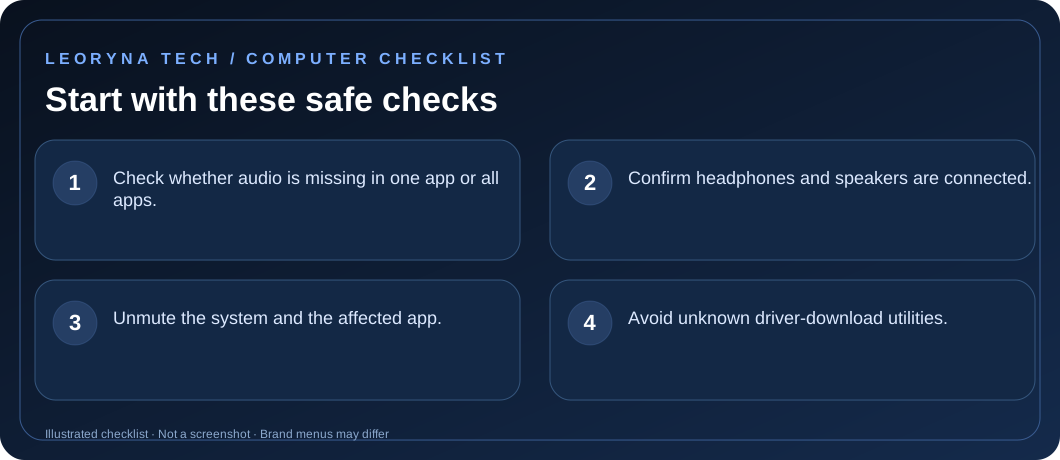
- Check whether audio is missing in one app or all apps.
- Confirm headphones and speakers are connected.
- Unmute the system and the affected app.
- Avoid unknown driver-download utilities.
Try these fixes in order
Select the correct sound output
Open Settings → System → Sound. Under Output, choose the actual headphones, speakers or monitor you want. Some screens and USB devices add extra audio outputs automatically.
Check both system and app volume
Open the Volume mixer and confirm the app is not muted independently. Test a system sound and another app to distinguish an application problem from the device output.
Try built-in diagnostics
Open the Get Help app and run Windows audio troubleshooting. Read the suggestions before approving changes, and restart the computer when instructed.
Check external devices and sound enhancements
For wired speakers, confirm cable placement and power. For Bluetooth headphones, verify connection and output choice. If a device supports audio enhancements, temporarily disable them to test whether they interfere.
Update drivers from trusted sources
Run Windows Update, including appropriate optional driver updates. If the problem began after an update, consult Microsoft or the computer maker before rolling back or reinstalling the driver. Do not download random driver “repair packs”.
Frequently asked questions
Why does sound play through my monitor instead of the laptop?
Windows may have selected HDMI/DisplayPort audio when an external display was connected.
Can an application be muted independently?
Yes. The Windows Volume mixer has per-application levels.
Official manufacturer reference
Based on publicly available support guidance. Steps and menus can vary by model, system version and country. This article is independent editorial guidance, not an authorized repair service.
Microsoft Support — fix sound or audio problems in Windows ↗