Match the HDMI port, source and device, then test cables before replacing equipment.
Before you start
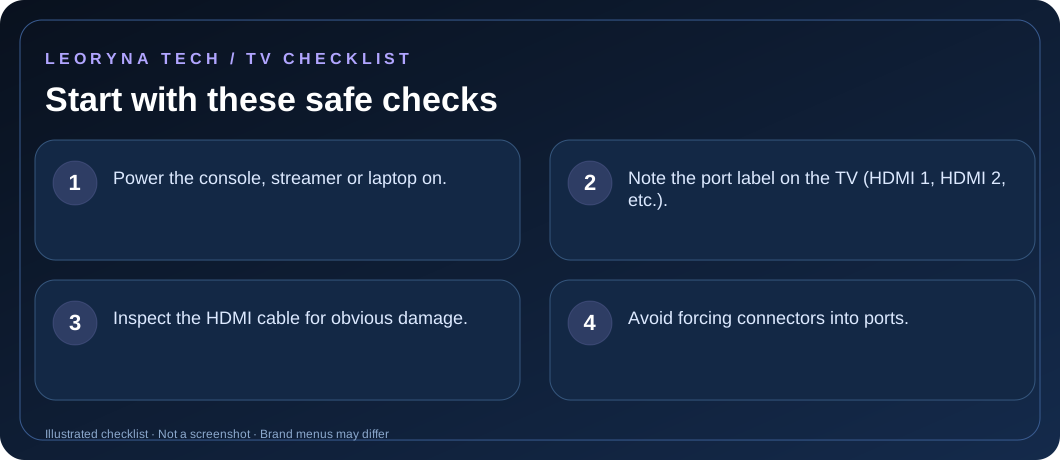
- Power the console, streamer or laptop on.
- Note the port label on the TV (HDMI 1, HDMI 2, etc.).
- Inspect the HDMI cable for obvious damage.
- Avoid forcing connectors into ports.
Try these fixes in order
Select the HDMI input that matches your cable
Look at the number beside the TV’s physical HDMI port. Press Source or Input on the remote and select that same input. Verify an external receiver is set to the correct input if one is in the signal path.
Confirm the source device is actually sending video
Check that the game console, cable box, streaming device or laptop is powered on and not asleep. If using a laptop, review its display output selection and whether it supports the connected resolution.
Reconnect the HDMI cable at both ends
Turn the external device off, unplug the HDMI cable and reconnect it carefully. Try another known-good cable or port if available. Avoid damaged ports or connections that require force.
Test a second source to isolate the issue
If the TV shows video from a different HDMI device, the original external device or its configuration may be responsible. If every device fails on one port but works on another, the port may need professional inspection.
Check compatibility and supported refresh rates
High-bandwidth 4K and high-frame-rate modes may require a compatible device, cable and port. Set an output format supported by your TV using the external device’s official instructions. Seek help if the connector is loose or physically broken.
Frequently asked questions
Is HDMI 1 always the correct input?
No. Use the input number corresponding to the port where the HDMI cable is connected.
Should I replace the TV immediately?
No. Verify the source device, cable and port using a known-working combination before concluding the TV has failed.
Official manufacturer reference
Based on publicly available support guidance. Steps and menus can vary by model, system version and country. This article is independent editorial guidance, not an authorized repair service.
Samsung Support — No Signal and source errors ↗