Identify whether your TV, wireless router, password or provider is causing a connection issue.
Before you start
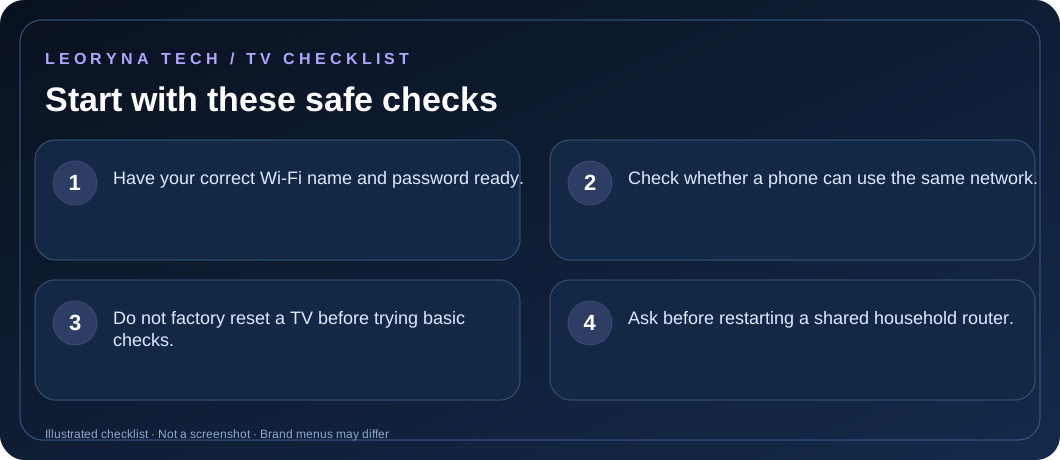
- Have your correct Wi-Fi name and password ready.
- Check whether a phone can use the same network.
- Do not factory reset a TV before trying basic checks.
- Ask before restarting a shared household router.
Try these fixes in order
Check whether other devices connect
Use a phone or laptop on the same Wi-Fi. If both fail, focus on the router or internet service first. If only the TV fails, continue with TV-specific checks.
Check the TV Wi-Fi menu and signal
Open the TV’s Settings → Network or Internet menu. Confirm Wi-Fi is enabled, the correct network is selected and the password is entered exactly. Keep the TV within reasonable range of your router.
Restart the TV and network equipment
Restart the TV normally. If you control the modem and router, reboot them according to the provider’s instructions and wait for the lights to stabilize. This temporarily disconnects other devices.
Try another safe network as a diagnostic
A phone hotspot, if available and affordable, can help identify whether the TV can connect to a different network. Be aware that streaming consumes mobile data. If the TV works on another network, investigate router settings or ISP service.
Review updates or contact the manufacturer
If the TV connects but apps still fail, check for official system updates. If no Wi-Fi network names appear at all, consult your TV maker, as a hardware or software fault may require service.
Frequently asked questions
Can a Wi-Fi extender help a smart TV?
It can help coverage, but performance varies. Wired Ethernet is often more stable when the TV supports it.
Why does the TV see Wi-Fi but say no internet?
It may connect to the router while the router has no internet, or have a DNS/network configuration issue.
Official manufacturer reference
Based on publicly available support guidance. Steps and menus can vary by model, system version and country. This article is independent editorial guidance, not an authorized repair service.
LG Support — internet problems on your TV ↗